Watch the Video
Or watch it directly on YouTube: Click here
Video Description
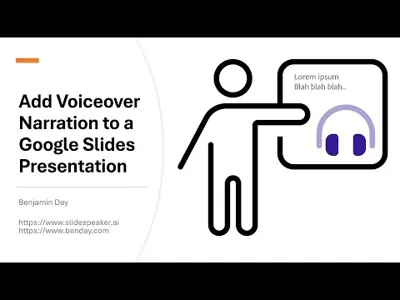
Ever created a great presentation in Google Slides and wanted to create a video from it? Basically, take that Google Slides presentation and add voiceover narration to it and turn it into an MP4 video? Well, here's how to do it using Slide Speaker.
Chapters
- 0:00 - Intro
- 0:15 - Open the Google Slides presentation
- 0:32 - Export the PPTX file
- 1:30 - Log in to Slide Speaker
- 2:10 - Create a new Slide Speaker project
- 3:46 - Edit the voiceover narration audio for a simple slide
- 5:38 - Edit the voiceover narration audio for an animated slide
- 6:44 - View the video preview for a slide & make changes to the voiceover audio
- 8:55 - View the video for the whole project
- 10:25 - Change the virtual voice actor and regenerate the video
- 12:45 - Download the project video
- 13:08 - Outro
Video Info
- Duration: 13:31
- Published: September 25, 2024